

A backlink only really passes value if the page it sits on is in Google’s index, and a live page is not the same as an indexed one. A placement can be present, dofollow and perfectly visible to you, and still pass nothing because Google has never put the host page in its index.
This guide covers four ways to check whether a backlink is indexed, from a quick search to a definitive Search Console check, plus the trap most people fall into: a link showing in your SEO tool is not proof that Google has indexed it. Running all of them by hand, for every link, is the exact tedium we built Link Verified to kill.
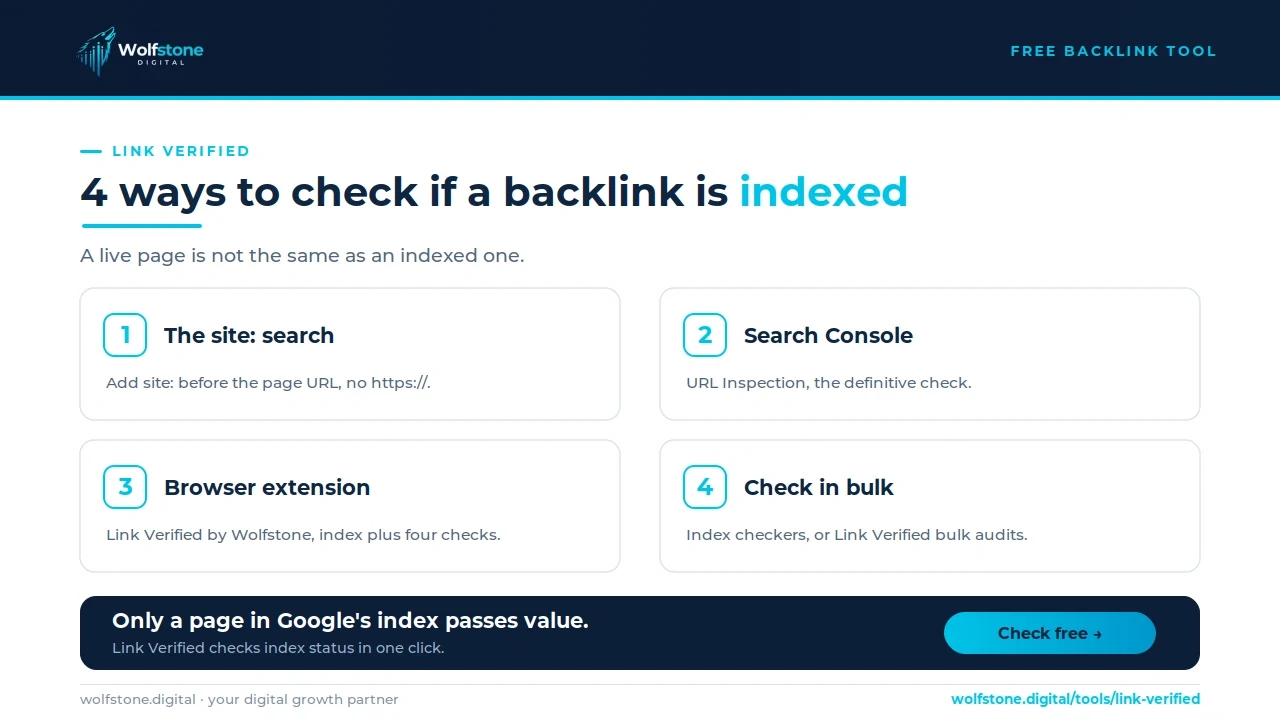
TL;DR: how can you tell if a backlink is indexed?
To check if a backlink is indexed, search Google for site: followed by the host page URL. If the page appears it is indexed; if Google returns nothing it is not. For a definitive check use Search Console’s URL Inspection tool, or our free tool, Link Verified by Wolfstone.
Why a live backlink is not always an indexed one
A page can return a 200 and load perfectly, and still be absent from Google’s index. Being live on the web and being in Google’s index are two different states, and only the second one passes value.
There are a few common reasons a live page is not indexed. It may carry a noindex rule in a meta tag or X-Robots-Tag header, it may be blocked in robots.txt, or Google may simply never have crawled and indexed it. Whatever the cause, the link on it is invisible to search, so checking index status is not optional.
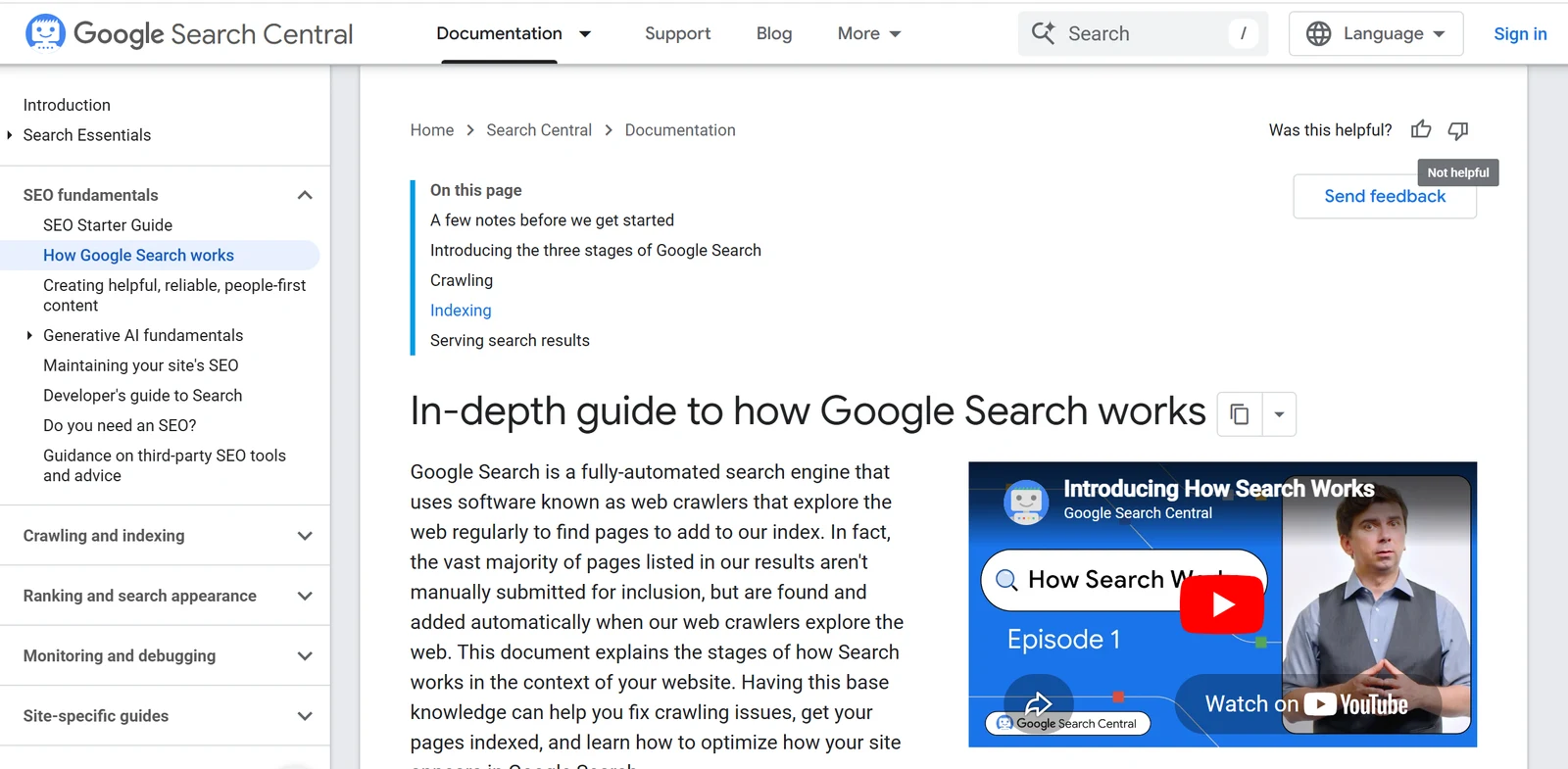
Google is explicit about this. Its in-depth guide to how Search works states that it does not guarantee it will crawl, index or serve your page, and describes Search as three stages, crawling, indexing and serving, that not every page makes it through. To be eligible at all, Google’s technical requirements say a page must be crawlable with Googlebot not blocked, return an HTTP 200, and have indexable content.
Method 1: the site: search
The fastest manual check, and the one most people reach for first.
How to run it
Search Google for site: immediately followed by the exact host page URL, with no space and no https://, for example site:example.com/the-guest-post. Leaving the protocol off matters, since including https:// can return no results even for a page that is indexed.
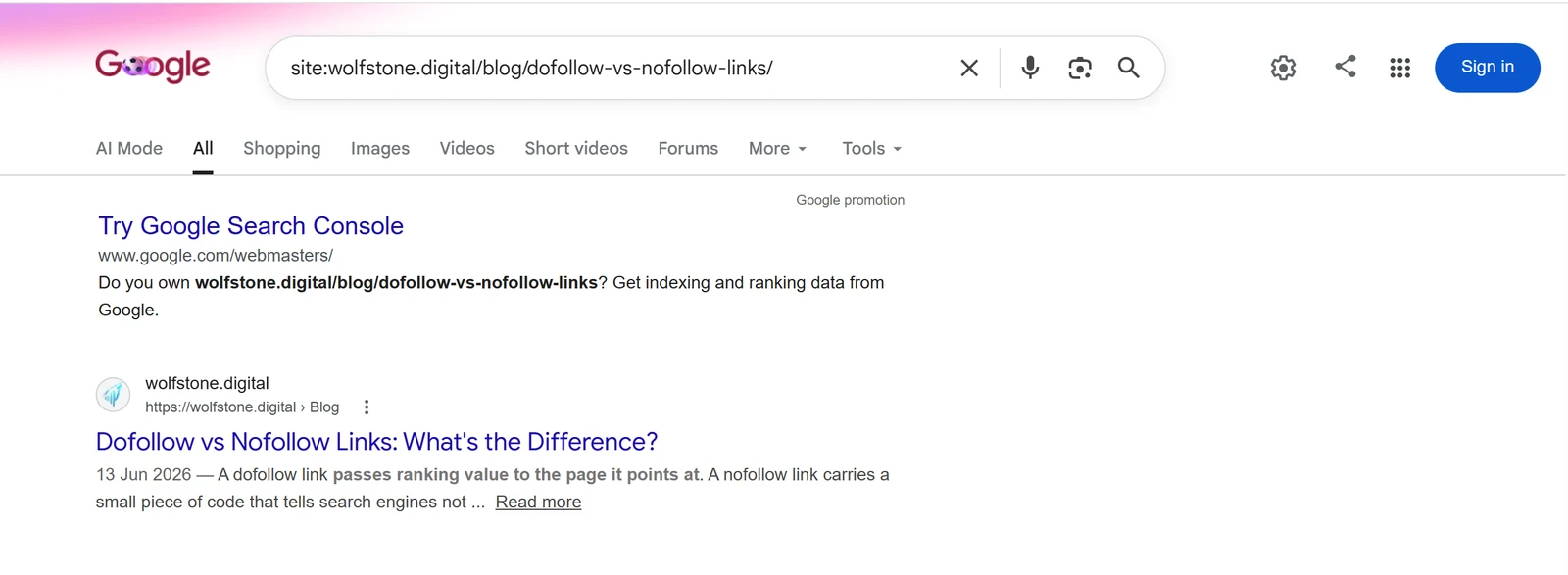
site: search returning the page in the results, confirming the URL is indexed.Reading the result, and the cache: trap
If the page appears, it is indexed. If Google returns nothing, it is not in the index, whatever its live status. One important note: ignore any older guide that tells you to use the cache: operator, because Google retired the cache feature and the cache: operator in 2024, so site: is now the manual go-to.
Method 2: Google Search Console URL Inspection
For a definitive answer, run the URL through the URL Inspection tool in Google Search Console. It reports whether the page is on Google, and why, rather than leaving you to infer it from a site: result.
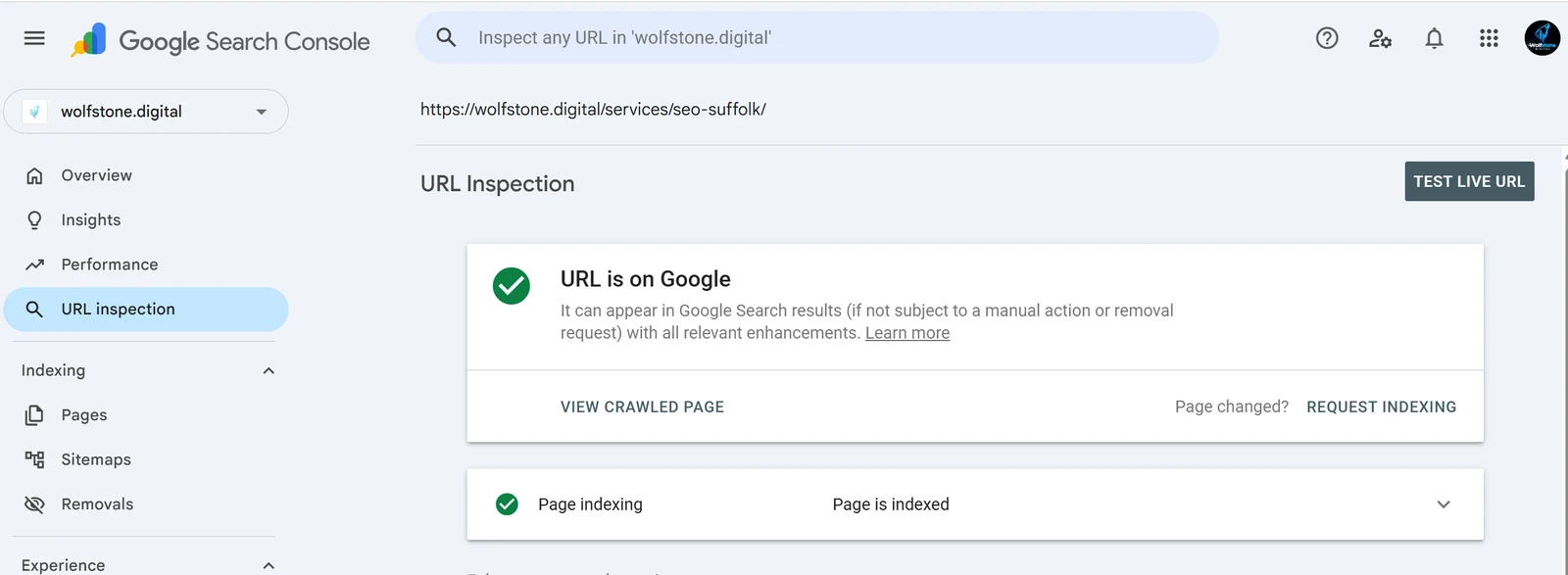
The catch is that it only works for properties you own or have verified, so it is ideal for your own site or a client’s, and not for spot-checking a third-party blog you have no access to. If your own page is not indexed, you can use the Request Indexing button in the same tool to ask Google to crawl it again.
Method 3: a checker or browser extension
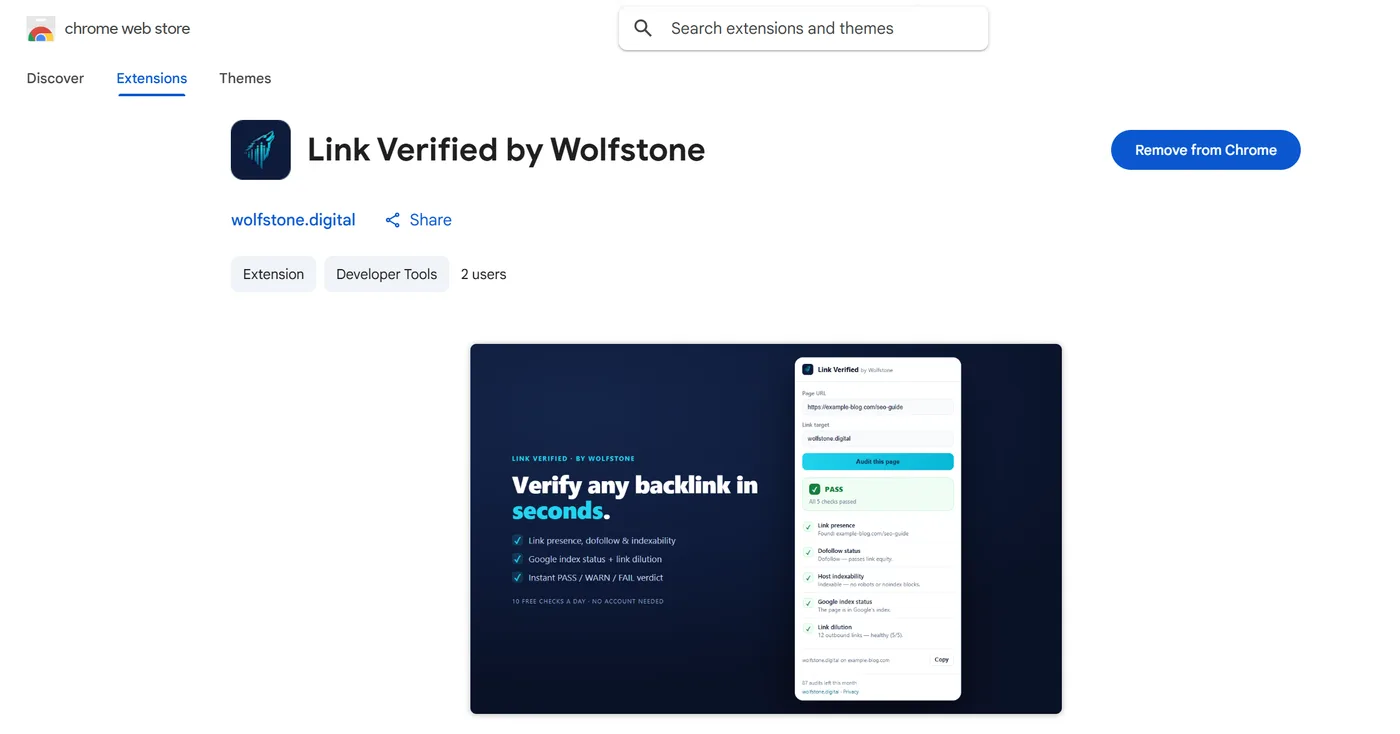
Running a site: search for every link gets old fast, which is the reason we built Link Verified. The free Chrome extension confirms whether the host page is indexed and, in the same click, checks that the link is present, dofollow, on an indexable page, and not diluted, then returns a single PASS, WARN or FAIL verdict.
How do you check if backlinks are indexed in bulk?
When you are vetting a whole campaign rather than one link, checking each by hand does not scale. A dedicated bulk index checker will process a list of URLs and flag each as indexed or not, which is useful for directories, citations and large link lists.
For your own target links, Link Verified runs bulk audits on its paid plans and checks index status alongside presence, dofollow and dilution per link, so you get the whole due diligence picture in one pass rather than index status alone.
Does a backlink showing in Ahrefs or Search Console mean it’s indexed?
No, and this is the trap that catches most people. A link appearing in an Ahrefs or Semrush backlink report only means that tool’s crawler found the link, and a link appearing in Search Console’s links report only means Google discovered it. Neither is the same as Google having the host page in its index and serving it.
This is why an SEO tool can list a backlink that a site: search cannot find. The tool crawled the page independently; Google may have crawled it too, then chosen not to index it. When the two disagree, the index check wins, because that is the state that decides whether the link passes value.
Do backlinks need to be indexed to count?
For dependable ranking value, effectively yes. Google discovers and evaluates links by crawling the pages they sit on, so if the host page is never crawled and indexed, the link cannot be discovered, credited or counted.
There is a nuance worth knowing. Crawling and indexing are not identical, so Google can crawl a page, follow its links, and still not index the page itself. In practice, though, a page Google declines to index is usually low value, so the safe due diligence assumption is that an unindexed placement is not reliably passing equity, and should be treated as a link that does not yet count.
It matters because links are one of Google’s strongest ranking signals. Ahrefs’ study of how search engines work found a clear correlation between the number of referring domains a page has and its organic traffic, so an unindexed link is a ranking signal Google never gets to count.
What to do if a backlink is not indexed
It depends on whether you control the page. For your own pages, open the URL Inspection tool in Search Console and click Request Indexing, which asks Google to recrawl and reconsider it.
For a third-party page, such as a guest post on someone else’s blog, you cannot force indexing. What you can do is confirm the page is not blocked by noindex or robots.txt, make sure it is genuinely useful and linked to from elsewhere on the site, and ask the host to address it if it is blocked. Be wary of the cheap link indexing services that flood this space, since the reliable fixes are the unglamorous ones above.
The fastest way to check, and everything else
You can run every method here by hand, and for one link that is fine. For real due diligence across a campaign, Link Verified does the whole job in one click: present, dofollow, indexable, indexed and diluted, with bulk audits when you are checking a list. It is the answer to the question I kept asking by hand: did we actually get the link equity?
Backlink indexing FAQs
Is a live page the same as an indexed page? No. A page can be live and return a 200 while still being absent from Google’s index, in which case any link on it passes no value.
Does the cache: operator still work?
No. Google retired the cache feature and the cache: operator in 2024, so use a site: search or the URL Inspection tool instead.
How long does Google take to index a backlink? There is no fixed time. A page on a well-crawled site can be indexed within hours, while a page on a rarely crawled site can take weeks, or never be indexed at all. Google’s own crawling and indexing FAQ says it cannot predict or guarantee when, or whether, a URL will be crawled or indexed, and that the most common reason a page is not indexed is simply that it is too new.
Can an indexed backlink become deindexed? Yes. A host page can drop out of the index after a core update, a content change or a switch to noindex, which is why important links are worth monitoring rather than checking once.
Do backlinks need to be indexed to pass value? For reliable ranking value, treat the answer as yes, because Google has to crawl and index the host page to discover and credit the link.
Wolfstone Digital is an SEO and GEO agency in Suffolk, based in Bury St Edmunds. We help brands earn more high-intent traffic from search and AI.